How to Run Instagram Ads That Open a DM
Click-to-DM ads are the highest-intent format on Instagram. Here is how to set them up and catch every tap with an automated flow.
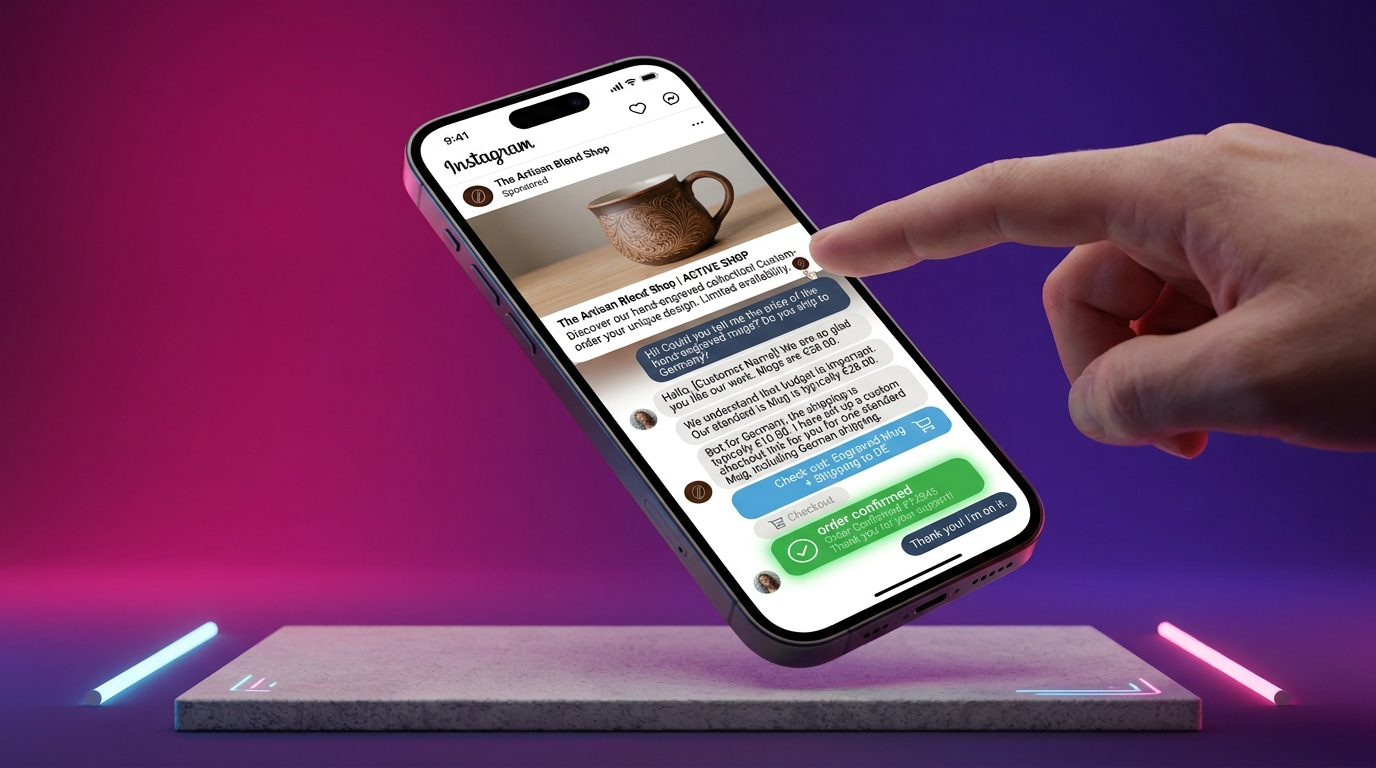
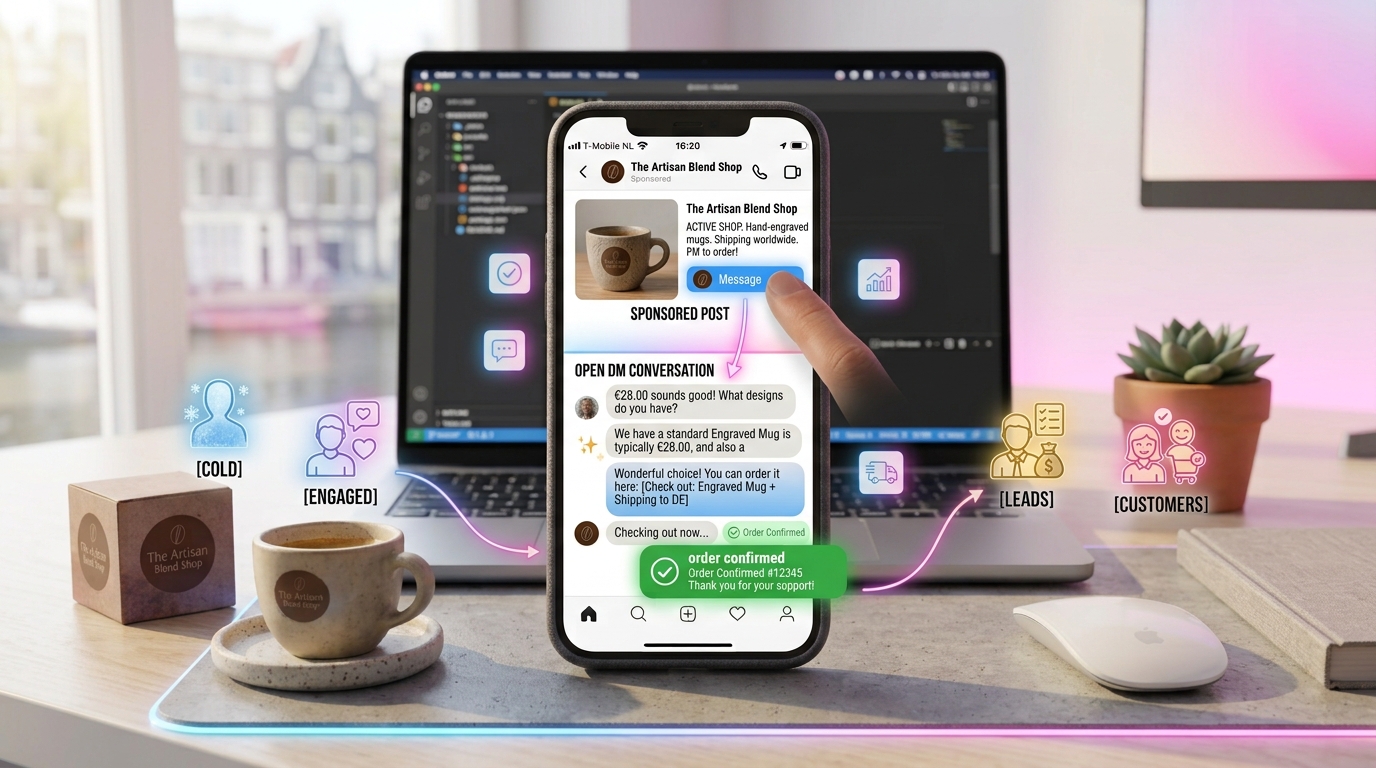
Most Instagram ads send people to a landing page and hope. Click-to-DM ads send them straight into a conversation — the highest-intent format on the platform.
Why click-to-DM works
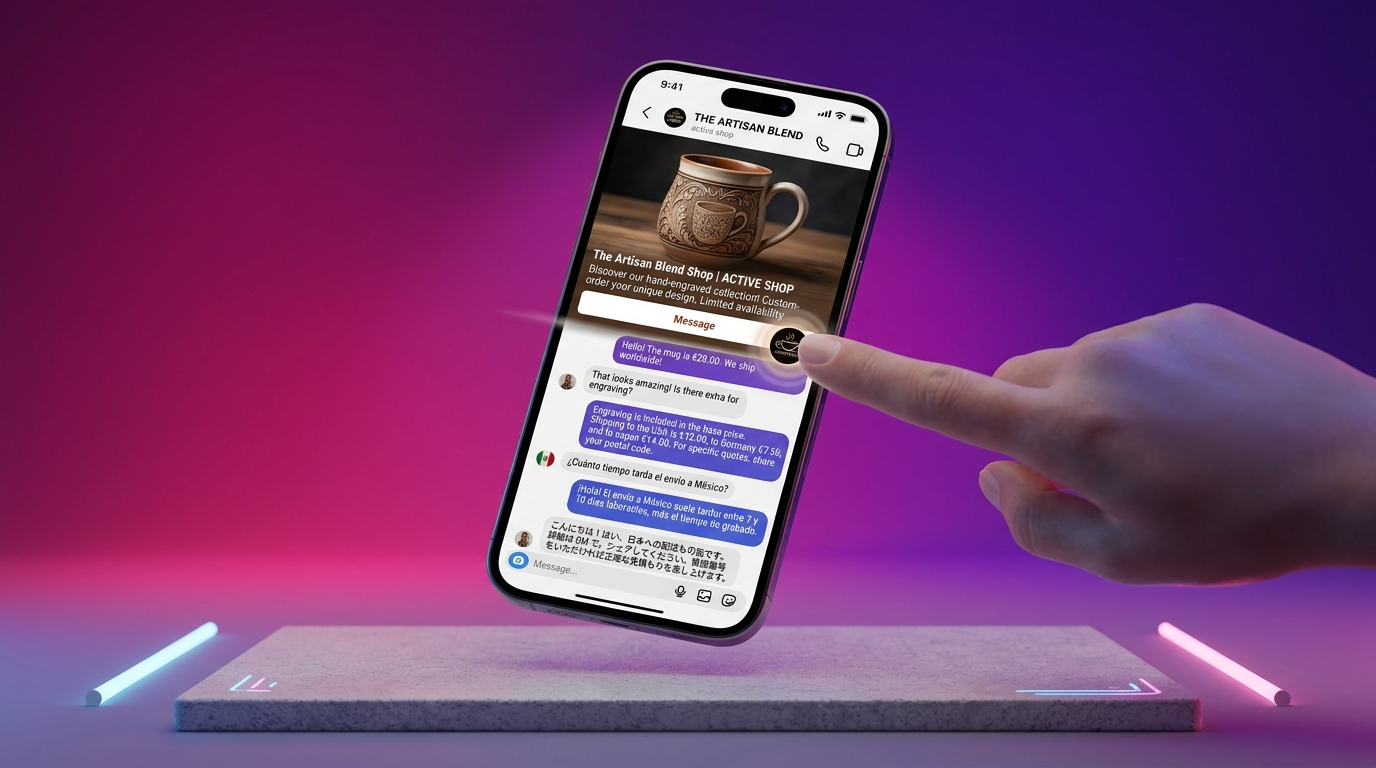
A tap on "Message" means the prospect chose to talk to you. It is warmer than a page visit, and with an automated flow, you respond instantly every time.
Setup
Connect your Instagram and watch the first AI-handled conversation in minutes. 14-day free trial, no credit card.
- In Meta Ads Manager, choose Click to Message as the objective.
- Select Instagram DMs as the destination.
- Set targeting and budget.
- Connect the ad to an automated DM flow.
Connect it to a flow
When someone taps, a pre-filled welcome opens the conversation, qualifies the lead and shares your offer. See how to build a converting flow.
Track it properly
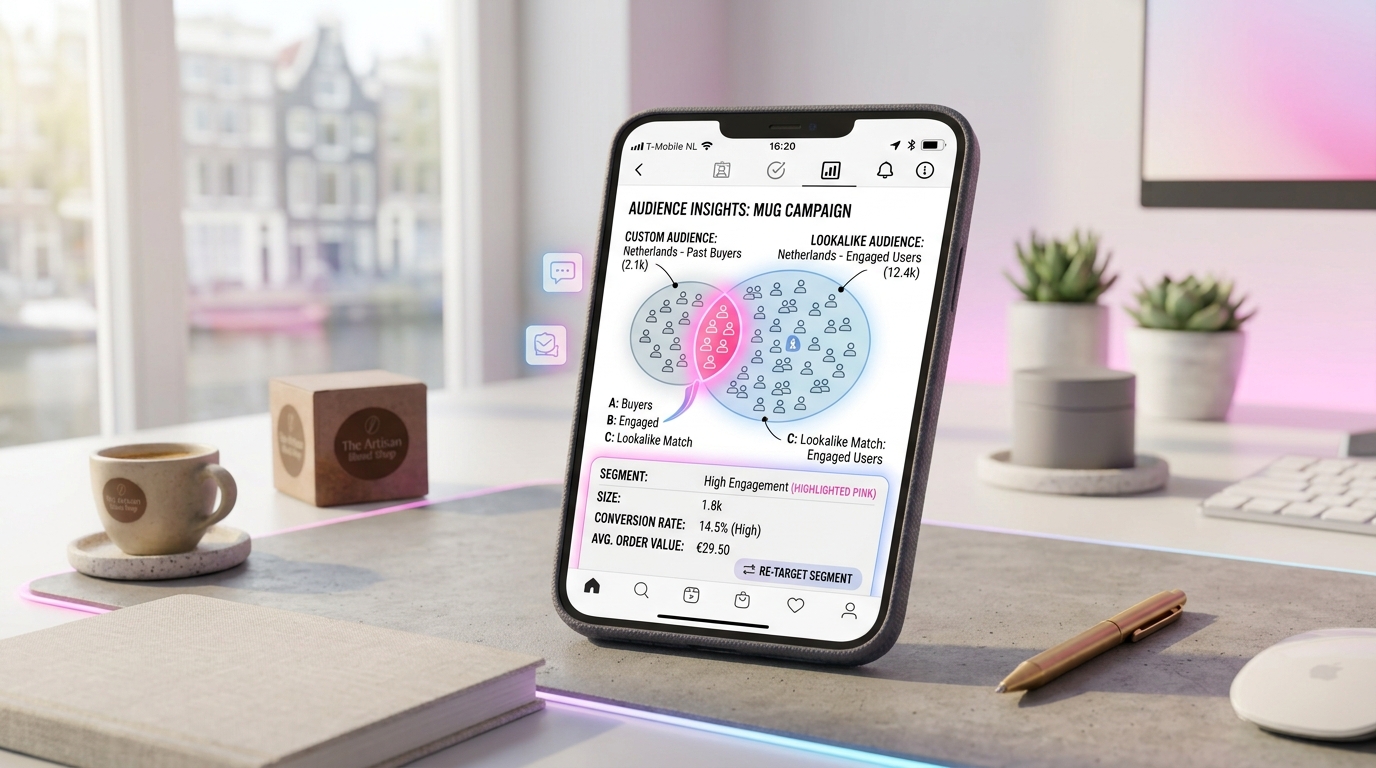
Use the Conversions API for server-side tracking that survives ad-blockers. For the full walkthrough, see the click-to-DM setup guide.
GeniusInstaFlow turns every ad tap into a qualified conversation that closes in the DM.
Put this into practice
Build your first AI workflow in minutes — the Sales Engine, Flow Builder and multilingual templates are ready.