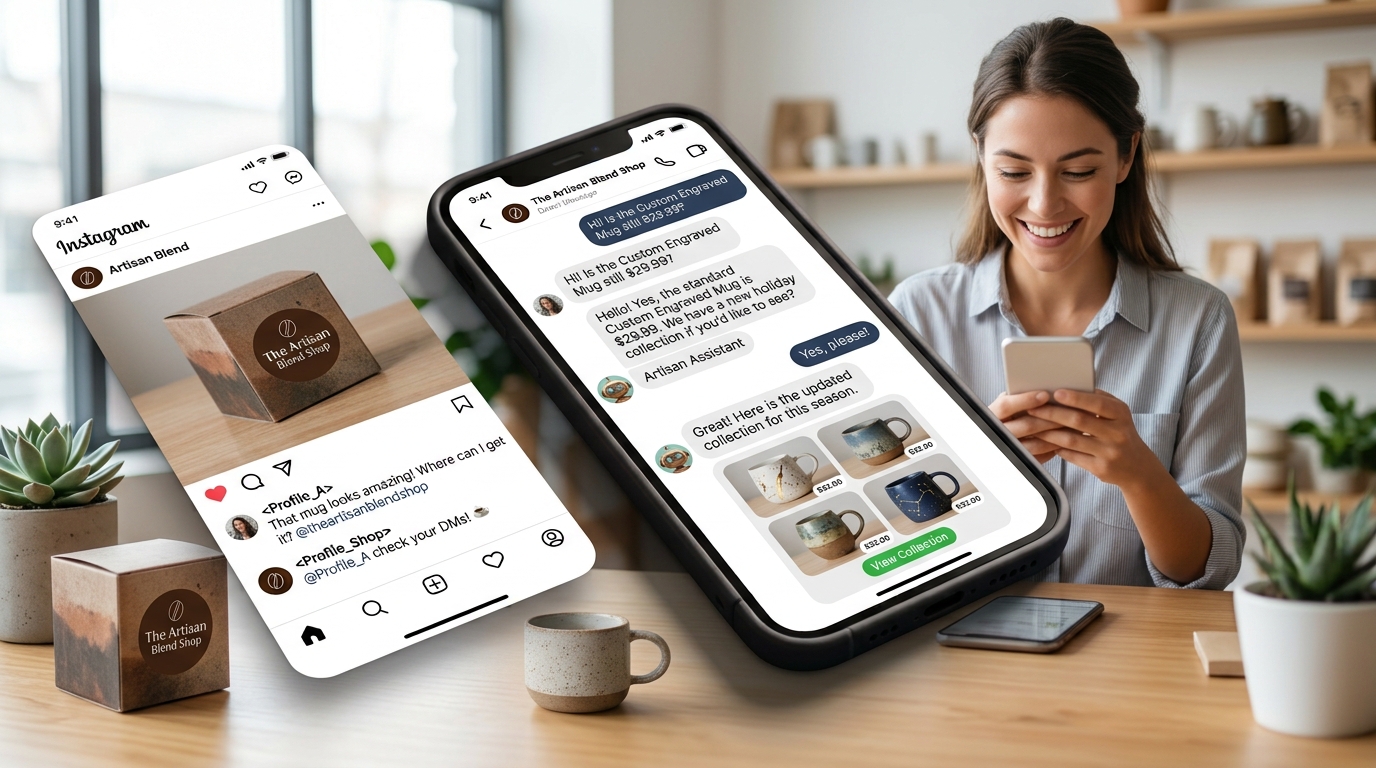
How to Train an Instagram AI Chatbot on Your Brand
The difference between a generic bot and a great one is the training. Here is how to teach your Instagram AI chatbot your products, tone and policies.
The gap between a frustrating bot and a great one is training. Here is how to teach an Instagram AI chatbot to answer like your brand — and never invent answers.
Give it your brand profile
Start with the basics: your products, services, pricing, policies, tone and team. This is the "brain" your AI reads before it answers anything.
Feed it your documents (RAG)
Connect your Instagram and watch the first AI-handled conversation in minutes. 14-day free trial, no credit card.
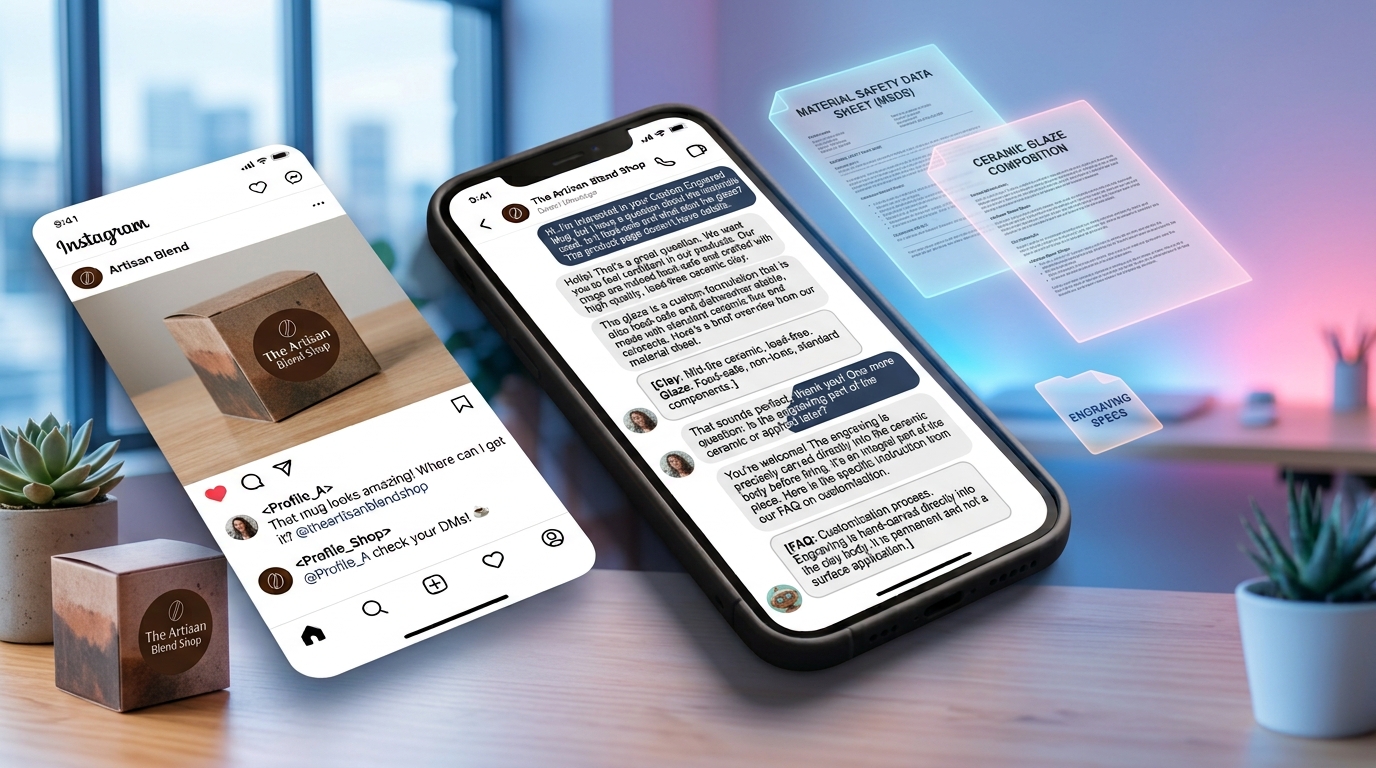
Upload your FAQs, guides, return policies and shipping info. The AI answers from your real content, so it never hallucinates a price or a policy. If you haven't written it, it won't say it.
Let it crawl your website
Paste your website URL and let the AI pre-fill your brand profile from your own pages. Faster to start, and it keeps your tone consistent.
Keep its memory persistent
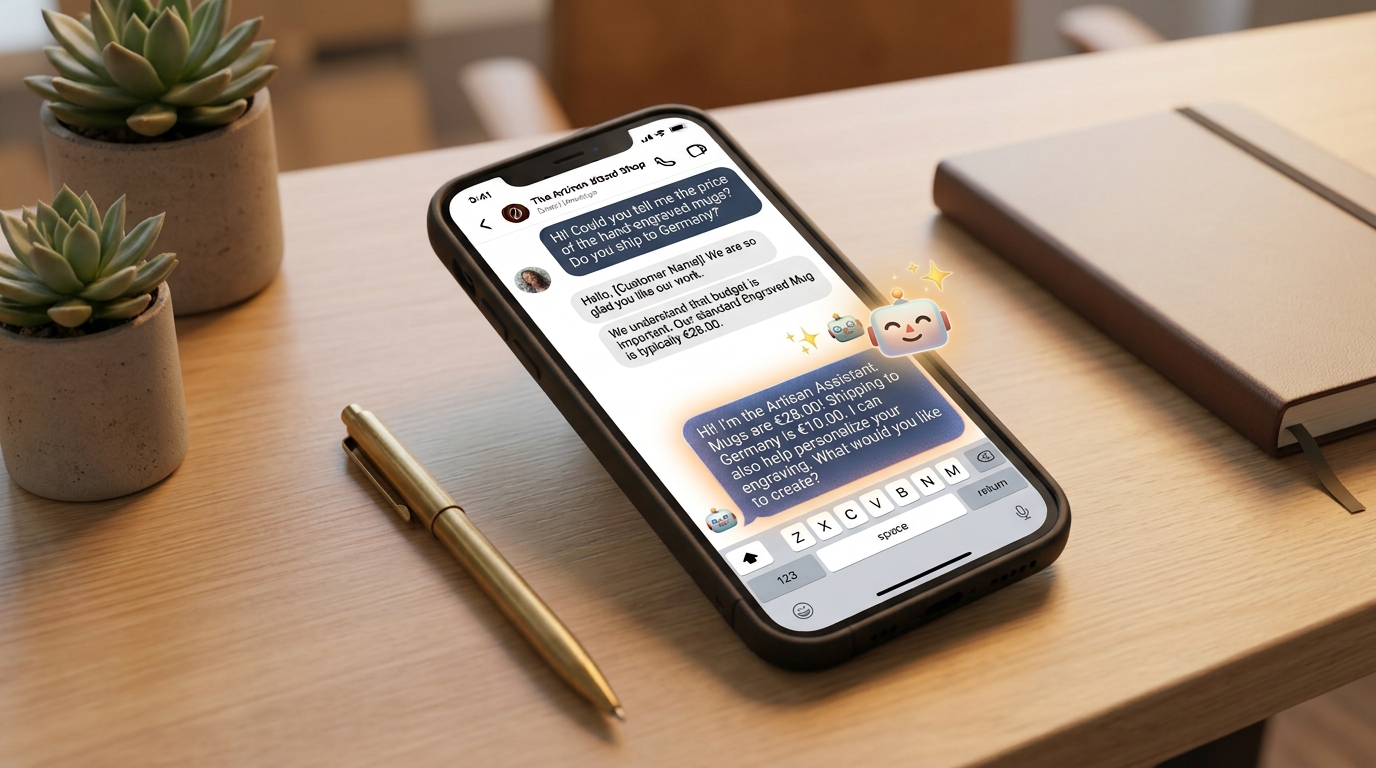
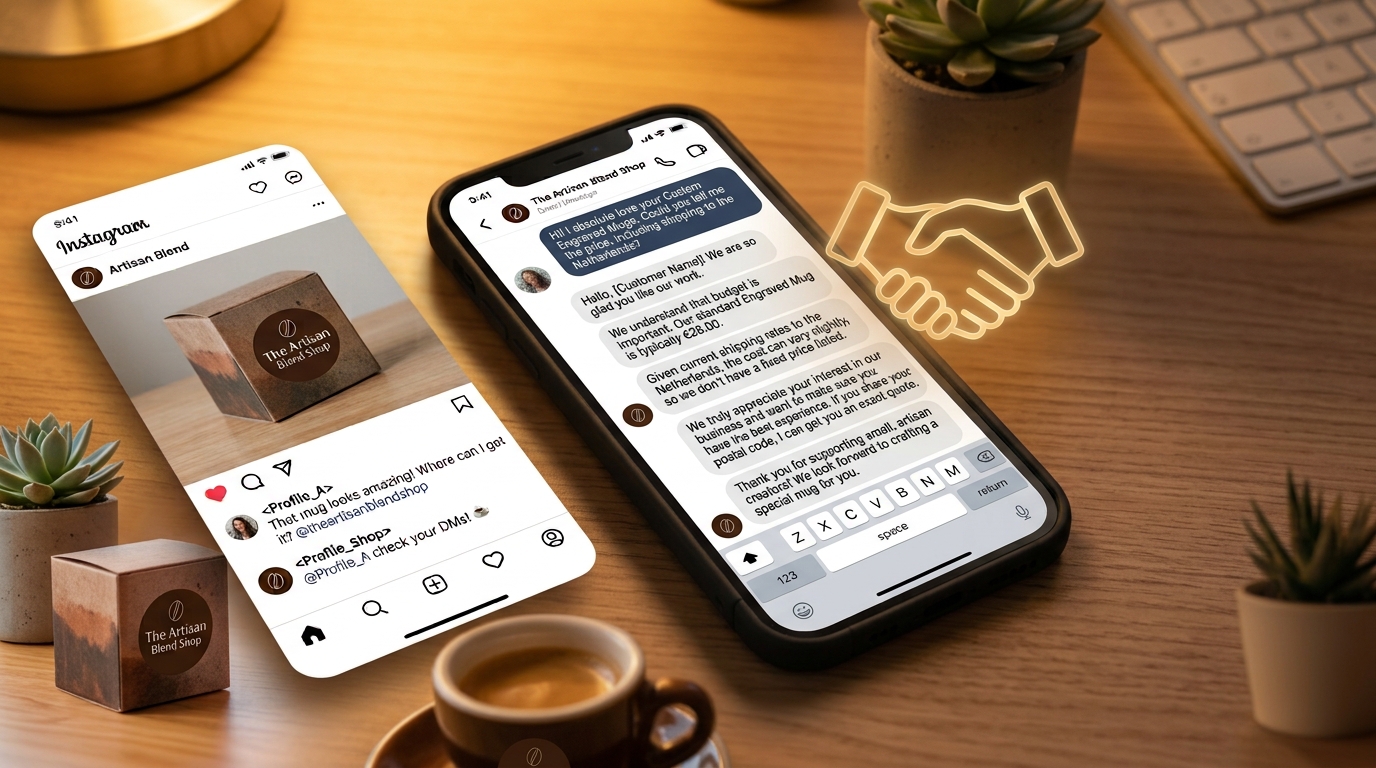
A good chatbot remembers each customer — their preferences, budget and past objections. So when Maya comes back, the agent already knows she prefers refills.
Review before you publish
Never go live with an untested bot. Simulate a conversation, review the replies, and approve. With human confirmation on sensitive sends, you stay in control.
Train your Instagram AI chatbot with GeniusInstaFlow and it answers like a well-trained teammate — grounded in your real content, in your voice, in 21 languages.
Put this into practice
Build your first AI workflow in minutes — the Sales Engine, Flow Builder and multilingual templates are ready.