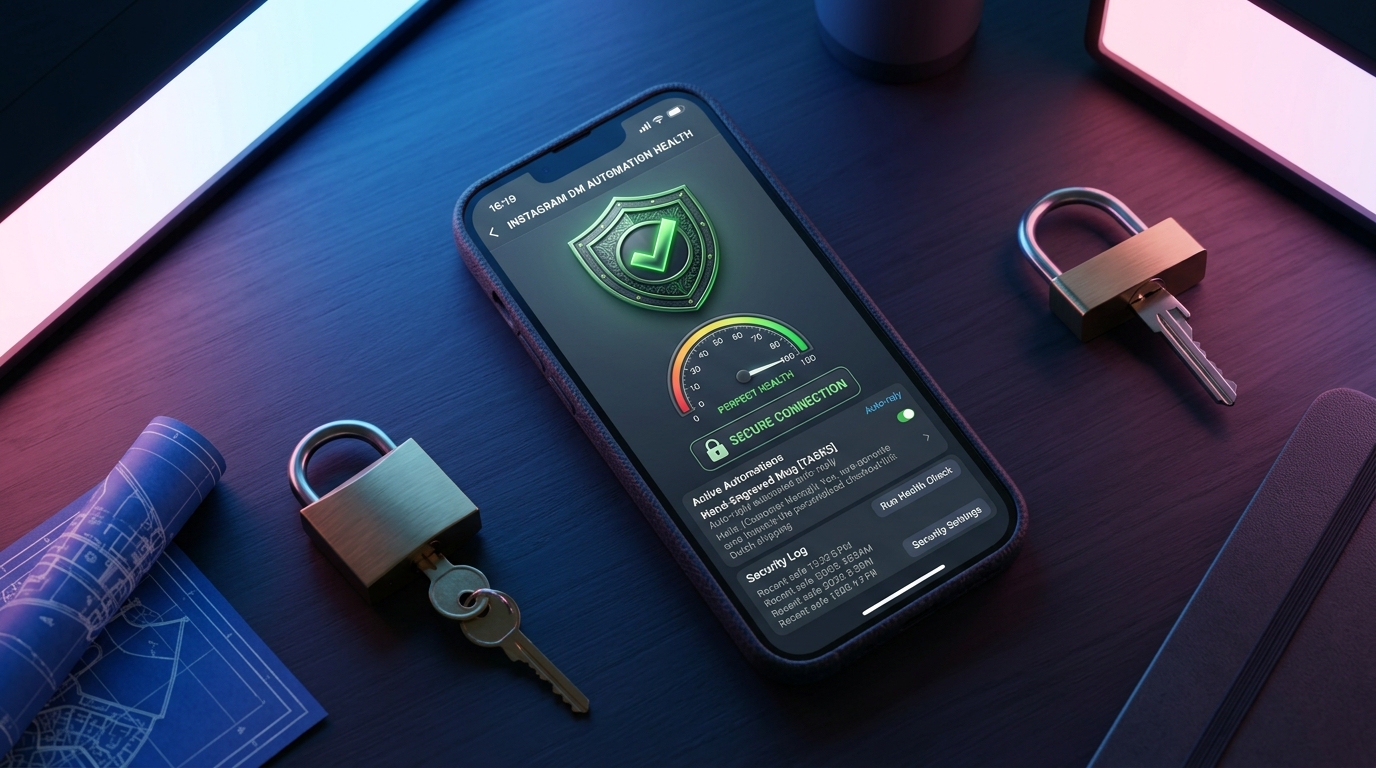
Instagram Account Health Score Explained (Keep Your Account Safe)
A health score tells you — before Meta does — when your account is at risk. Here is what moves it and how to keep it green.
If you automate anything on Instagram, you have felt the quiet worry: could this get my account restricted? The good news is that account safety is not a mystery. It comes down to a handful of signals, and together they form what we call an account health score.
A health score tells you — before Meta does — when your account is at risk. It is a plain-English way to watch the signals that matter and fix them early, instead of discovering a problem only when a limit hits.
What an account health score is
Instagram does not publish a single official number called a "health score". What it does have is a set of behaviours it watches, and a set of limits it applies per account. A health score is our attempt to summarise those signals into one readable status: green when you are acting like a normal human account, amber when something is drifting, and red when you need to slow down.
Think of it less as a grade and more as a warning light on a dashboard. You do not need the number to be perfect. You need to notice when it changes, and to understand why.
What moves the score
Connect your Instagram and watch the first AI-handled conversation in minutes. Free to start, no credit card.
Several things shift the score, and most of them are in your control.
- How you connect. The safest possible connection is the official Meta Graph API with OAuth. You never hand over a password, and your access can be revoked cleanly. Tools that work outside the official API — through stored passwords or unofficial channels — are the single biggest risk factor, because they look nothing like normal app activity.
- Message volume versus your normal pattern. A sudden burst of outbound messages from an account that has never sent many is the classic red flag. Automation should pace itself to look like you, not flood the inbox.
- Reply and response quality. Accounts that get genuine replies and open conversations look healthy. Accounts that send one-way blasts and get ignored look like spam.
- Report and block signals. If people report or block you, the score drops. This is usually a content or targeting problem, not an automation problem.
- Content and policy fit. Repeatedly posting or messaging things that breach Instagram's rules will drag the score down regardless of how you connect.
How to keep it green
Keeping the score green is mostly about restraint and legitimacy. Connect only through the official API with OAuth. Let your agent reply at a human pace rather than blasting. Always include a clear handoff so complex or emotional conversations reach a person. And keep your messages useful: answer questions, share real information, and stop when a conversation goes nowhere.
It also helps to know the benchmark you are competing with. Direct messages get opened far more often than almost any other channel — industry data puts Instagram DM open rates around 80 percent — which is exactly why inboxes are policed so carefully. Because people actually read their DMs, the platform protects them hard. Respecting that is what keeps you safe.
Safety is a setup choice, not luck
When someone says their account got restricted "out of nowhere", the cause is almost always one of two things: an unofficial connection, or a volume pattern that did not look human. Both are avoidable by design. A tool built on the official Meta Graph API, with OAuth and built-in anti-ban pacing, is not magically safe because of good intentions — it is safe because it does the boring things right.
That is the standard we build to. GeniusInstaFlow connects through the official API, paces activity to look human, replies in 21 languages, and keeps setup to about two minutes. The goal is simple: automation you can run every day without watching your notifications for a warning.
Keeping an eye on it over time
A health score is most useful as a habit, not a one-time check. Glance at it weekly. If it dips, ask which signal moved: did your send volume spike, did replies slow down, did you switch anything about how you connect? In the vast majority of cases the fix is small — ease off the volume, tighten your targeting, review a handful of conversations.
Treat the score as a conversation with the platform. Stay green by acting like a real business having real conversations, and you give yourself the freedom to automate confidently. If you want the deeper technical picture, read our guide on automation safety with the official API, explore the Instagram integration, or review our security approach.
Account safety is not the price of automation — it is the foundation of it. Keep the score green, and everything else gets easier.
Put this into practice
Build your first AI workflow in minutes — the Sales Engine, Flow Builder and multilingual templates are ready.