Click-to-Instagram-DM Ads: A Complete Setup Guide
Click-to-DM ads are one of the highest-intent ad formats on Instagram. Here is how to launch them and catch every tap with an automated flow.
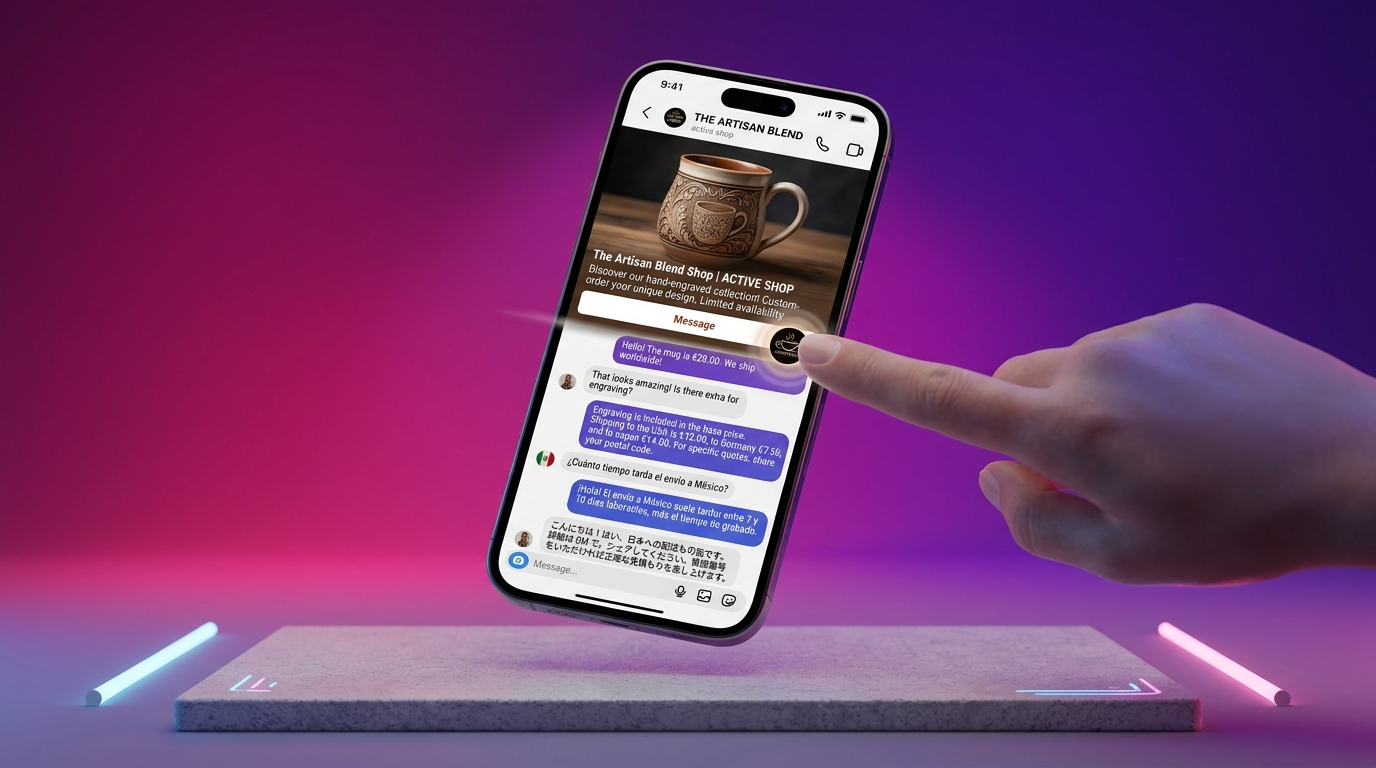
Click-to-DM ads are one of the highest-intent formats on Instagram: someone taps your ad and lands directly in a conversation. Here is how to set them up and catch every tap.
Why click-to-DM works
A "click to message" tap means the prospect chose to talk to you. It's warmer than a landing page visit — and with an automated flow, you can respond instantly, every time.
Set up the ad
Connect your Instagram and watch the first AI-handled conversation in minutes. 14-day free trial, no credit card.
In Meta Ads Manager, choose "Click to Message" as your objective and select Instagram DMs. Set your targeting and budget, then launch.
Connect the DM flow
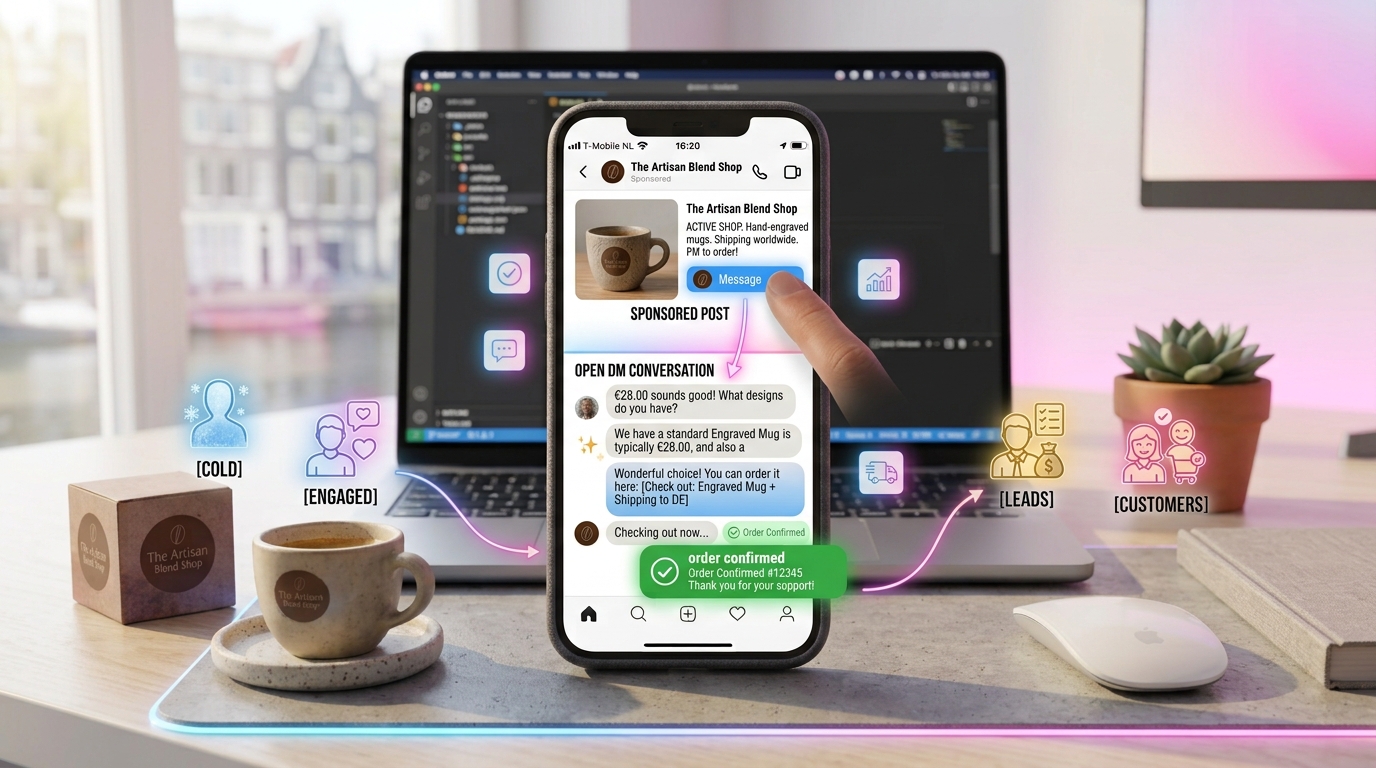
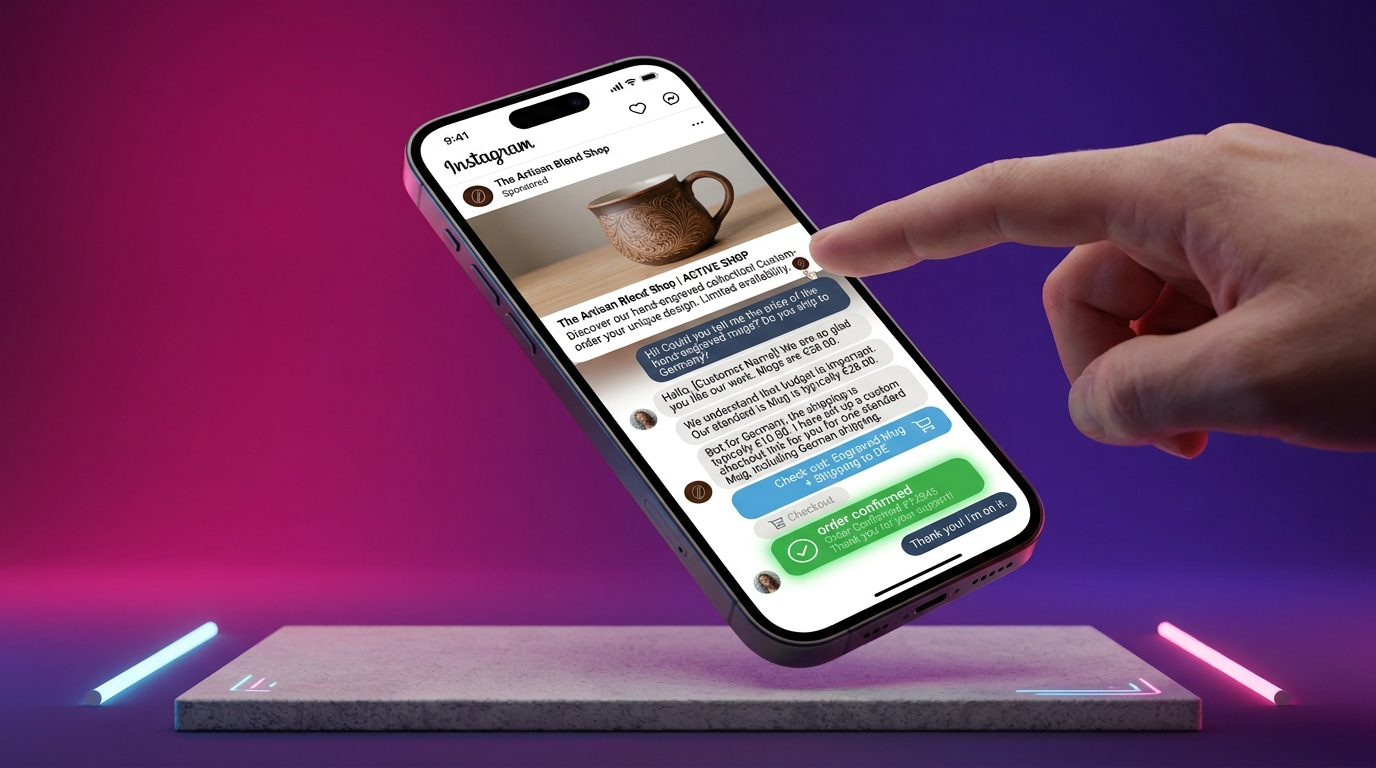
Here's where the magic happens: connect your ad to an automated DM flow. When someone taps, a pre-filled welcome message opens the conversation, qualifies the lead and shares your offer.
Track and optimize
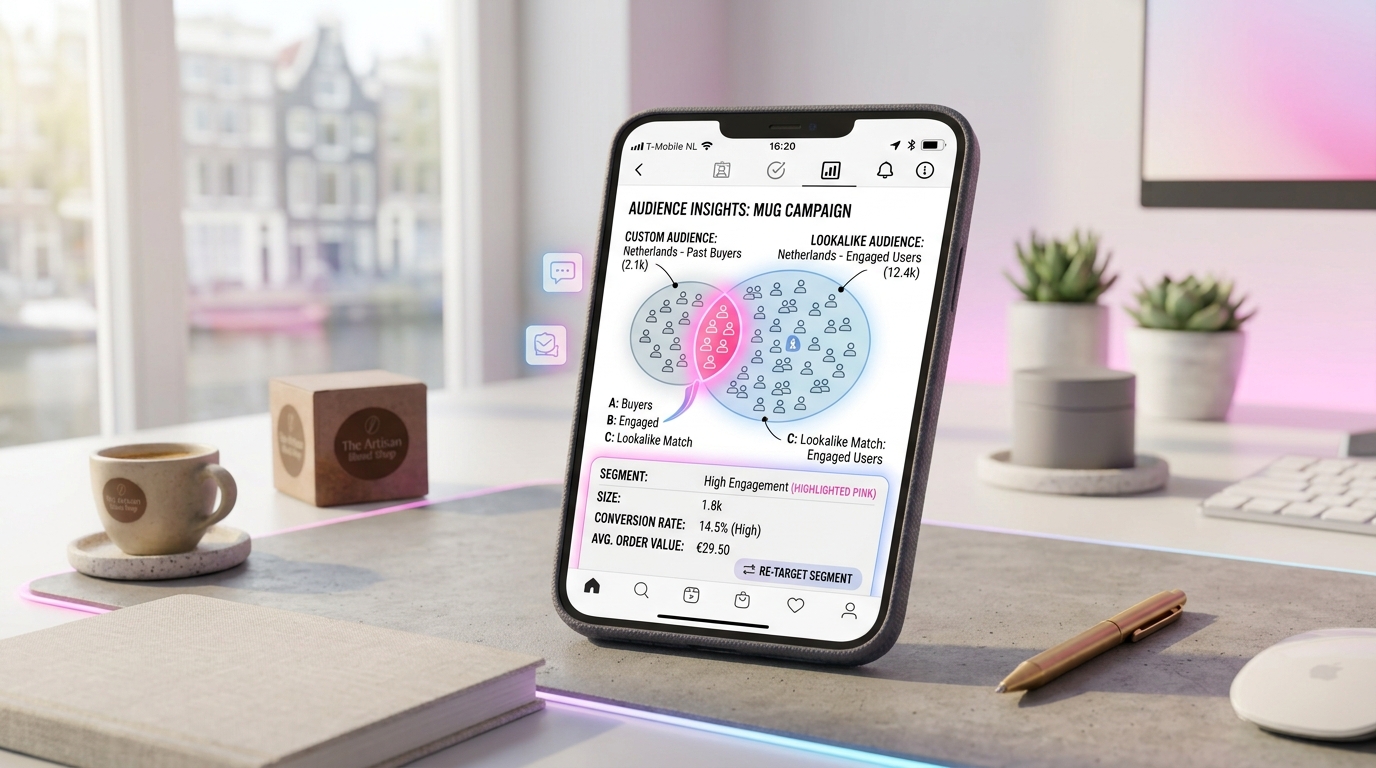
Use the Conversions API for server-side tracking that survives ad-blockers, and let autopilot rules adjust budgets when a metric crosses a threshold.
Click-to-DM ads + an automated selling flow is a conversion machine. GeniusInstaFlow turns every ad tap into a qualified conversation that closes in the DM.
Put this into practice
Build your first AI workflow in minutes — the Sales Engine, Flow Builder and multilingual templates are ready.